Cameras, mobile alerts and remote control can make a residential bushfire protection system far easier to understand and manage, especially when people are away from home. But these tools only help if the house can still protect itself when the phone battery is flat, the internet drops out or mobile coverage disappears.
Why remote technology matters, but cannot be the core defence
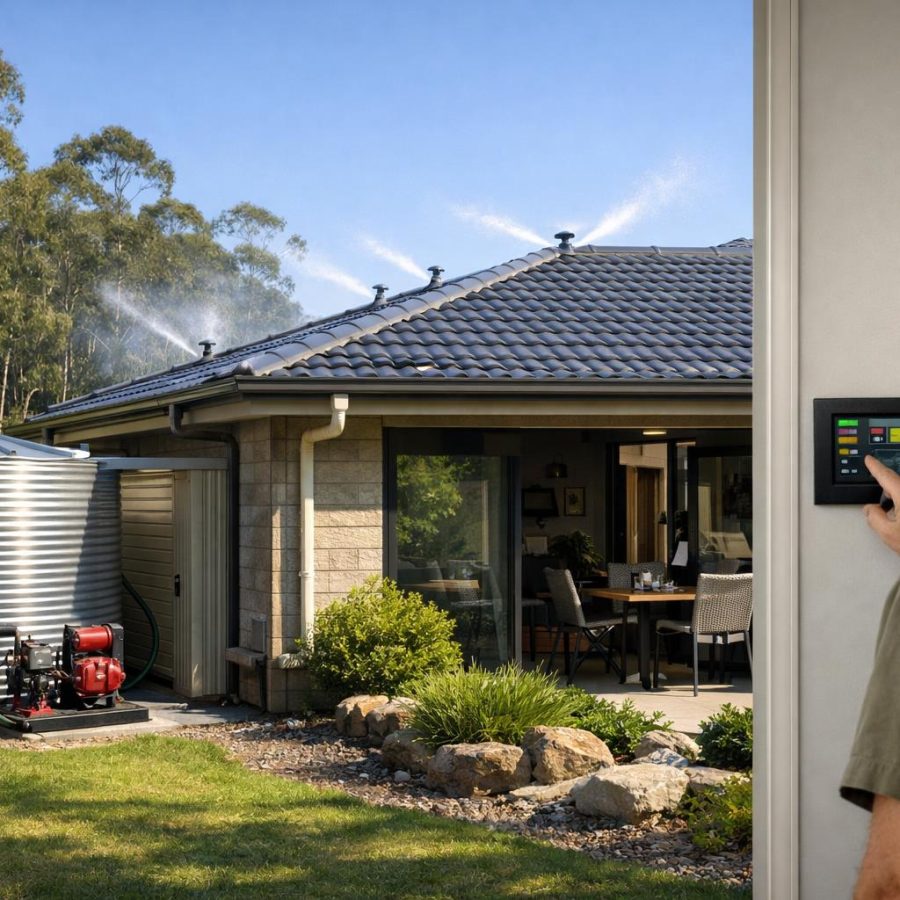
In a well-designed integrated residential bushfire protection system, remote technology should improve awareness, reduce confusion and help residents make better decisions. It can show what is happening on the property, provide confirmation that protection has started and allow limited adjustments from a safe distance.
That said, the core bushfire response must stay local. Local controllers, local sensors and local automatic logic need to keep working even if the internet, cloud services or mobile networks fail. Remote tools are there to inform and support the system, not to keep it alive.
This part of the series is a small contributor to overall readiness because it is about awareness, communications and control rather than the physical protection layers themselves. Even so, it is important. Poorly designed remote features can create false confidence, missed alerts or unsafe shutdowns during a fire event.
Camera coverage should be site-specific
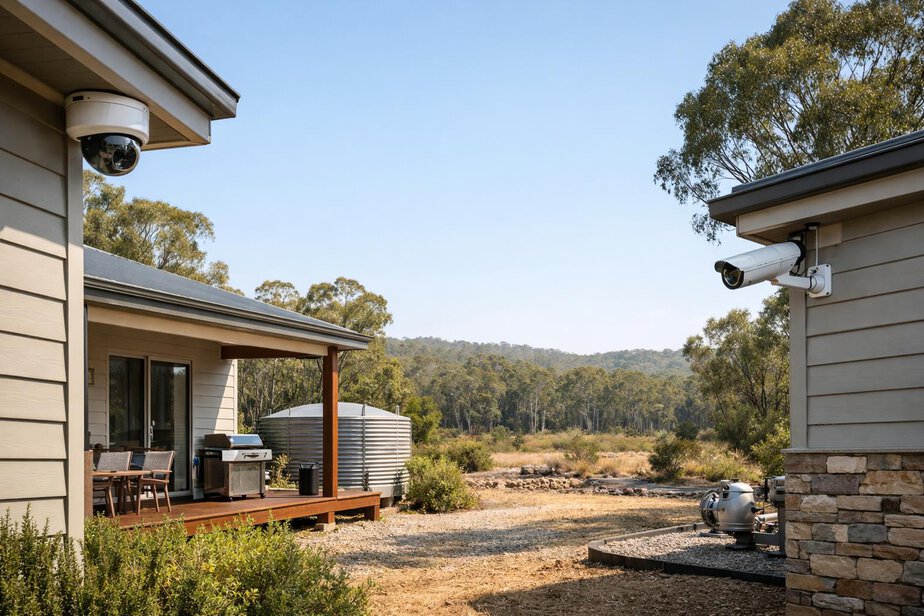
A standard setup should use a site-specific number of fixed visible-light cameras. The right number depends on the size of the property, the layout of the house, sheds, tanks, vegetation and likely fire approaches. One property may need only a few cameras, while another may need many more.
The goal is simple: cover the places that matter most. That usually includes likely fire approach paths, important structures, vulnerable corners, rooflines, outbuildings, tank areas, pump equipment and any side of the property that could receive first attack by embers or flame.
Good camera placement priorities
- Likely bushfire approach directions.
- Roof edges, eaves and other ember-prone areas.
- Sheds, garages and fuel storage areas.
- Water tanks, pumps and controllers.
- Side boundaries with dense vegetation or heavy fuel loads.
- Areas where smoke or heat may appear before flames are visible.
Visible-light cameras are the standard choice because they are practical, economical and easy to interpret. Thermal cameras should be treated as an optional upgrade for hot-spot and heat detection. They can add useful information, but they should not be treated as essential for normal operation.
Local recording must continue if communications fail
Camera recording should continue locally even if the internet or mobile coverage fails. That is a basic resilience requirement, not a luxury feature. If the system depends on cloud video to keep recording, it becomes weaker exactly when conditions are most stressful.
Local recording allows residents, technicians and firefighters to review what happened before, during and after Fire Mode. It also avoids loss of evidence or situation awareness when external networks are congested, damaged or unavailable.
Cloud backup can be offered as an optional extra, but it must never be the only recording method. The property should still retain local event logs and local camera records as the primary source of truth.
Where appropriate, backup power should keep cameras and core communications equipment running. Even then, communications should remain a lower priority than pumps, controllers and sensors during power shortages. If power has to be rationed, fire-protection essentials come first.
Mobile alerts should focus on important events
Residents should receive mobile alerts for meaningful events that affect safety or system integrity. These are the alerts that matter most:
- Fire detection.
- System faults.
- Low water.
- Low generator fuel.
- Power failure.
- Controller faults.
Routine status changes should not create constant notifications. Too many alerts can train people to ignore them, and that defeats the purpose. A good alert strategy is selective, clear and action-focused.
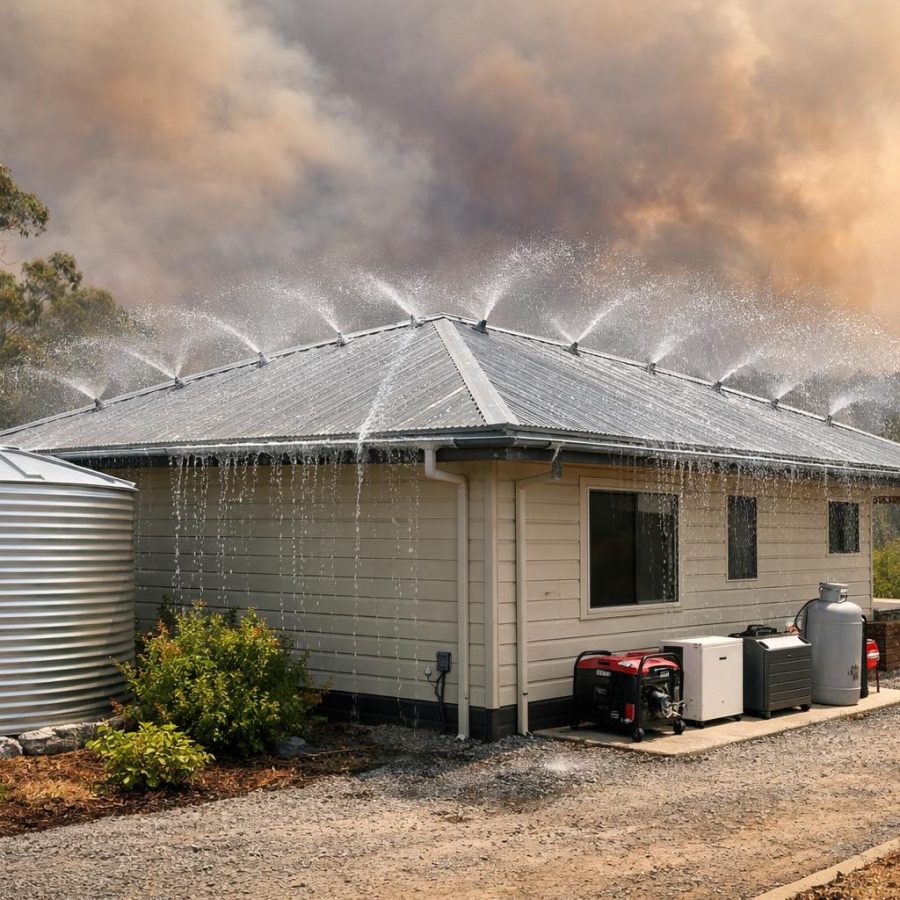
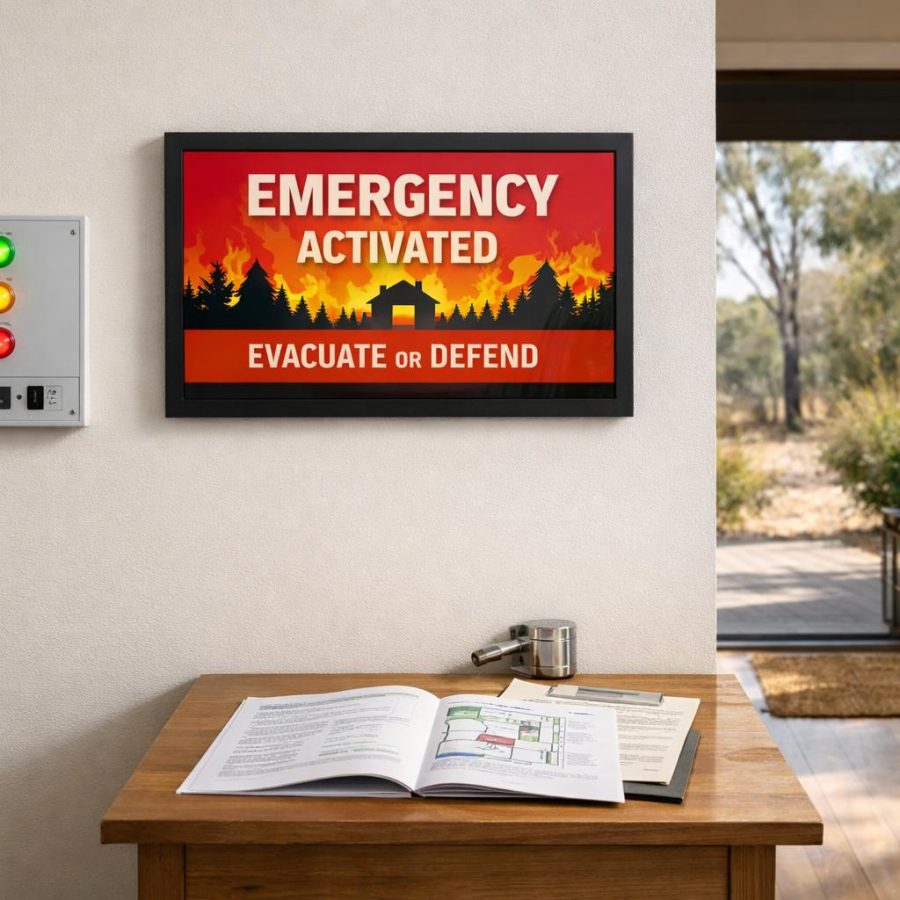
When Fire Mode begins, the system should send a clear PROPERTY UNDER ACTIVE PROTECTION notification. That message should stand out. It tells residents that the system has moved from monitoring to active defence.
Alerts should be easy to understand at a glance. They should state what happened, what part of the system is affected and whether immediate action is needed. They should not overwhelm users with raw data or technical jargon that does not help in the moment.
| Event | Recommended alert | Why it matters |
|---|---|---|
| Fire detection | Immediate high-priority alert | Confirms the system has identified a potential bushfire threat |
| Low water | Priority alert | Shows protection time may be reduced |
| Power failure | Priority alert | Signals the system has switched to backup arrangements |
| Routine pump test | No alert or summary only | Avoids unnecessary noise |
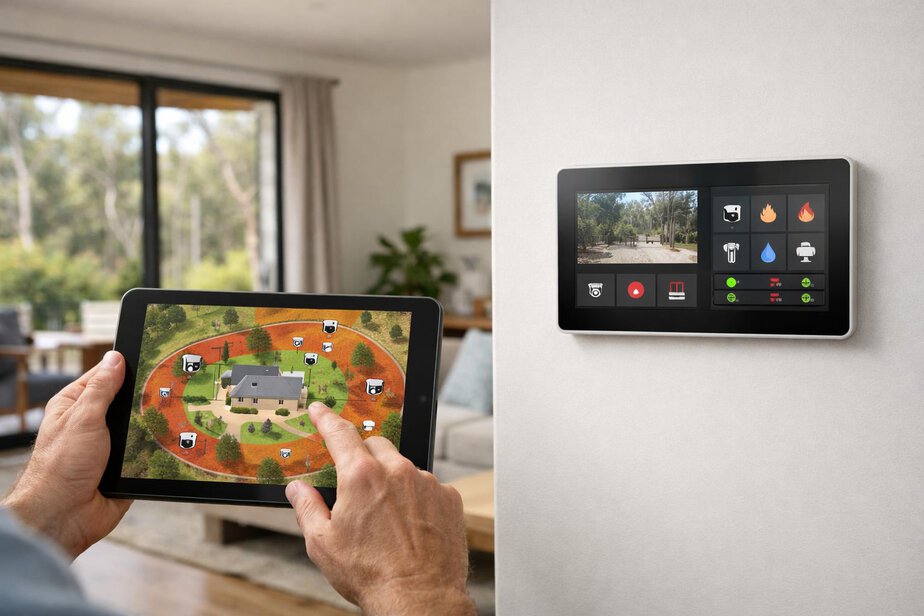
The app should show a simple property map
Residents should not have to interpret raw sensor values to understand what the system thinks is happening. A simple property map in the app can translate complex data into a clearer picture.
The map should show:
- Active sprinkler zones.
- Camera locations.
- Detected smoke or heat area.
- Tank level.
- Pump status.
- Highest-threat side or zone.
This is valuable because it presents the system’s interpretation of the threat rather than asking the user to make sense of separate alarms, charts and numbers. If the highest-threat side is changing, the user can see that immediately.
The map should remain simple. It does not need to be a full engineering display. It should help a homeowner understand where the risk is, what has activated and what the system is doing in response.
Remote viewing and manual control need strong limits
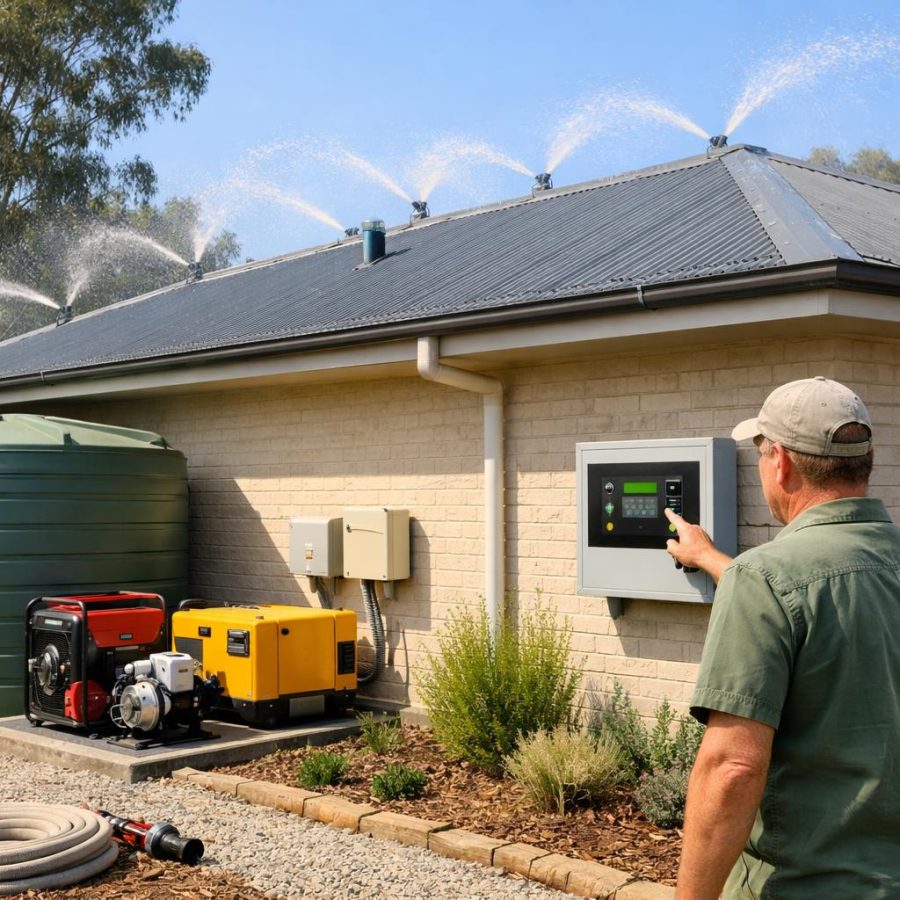
Residents should be able to remotely view cameras, system status and sprinkler zones. In some cases, remote manual zone control is also useful. For example, a homeowner may want to check a particular side of the house, confirm a zone is active or request an additional zone to operate while travelling.
However, remote manual control must never be allowed to override the safety logic of the system. The automatic protection system must remain active in the background and prevent unsafe shutdowns during a confirmed fire event. A remote user should not be able to accidentally disable critical protection when it is needed most.
This is where design discipline matters. Remote commands should be limited, logged and constrained by the system state. If Fire Mode is active, automatic protection must retain priority. The remote interface should support the response, not undermine it.
Local manual controls must continue working if the app or internet is unavailable. That includes essential local functions for homeowners and authorised responders. The system should always be operable in a degraded communications environment.
Firefighter visibility should be local and read only
Firefighters may benefit from a limited local read-only status view that shows the most useful operational information without opening up remote control risk. That view can include tank level, pump status, active zones, faults and the highest-threat area.
This kind of information can help crews understand what the property protection system is doing without requiring them to search for controls or interpret an unfamiliar app. It can support quicker situational awareness on arrival.
Manual control, however, should remain through the dedicated firefighter interface. That means firefighters should use the purpose-built local control method intended for their role, rather than a homeowner app or a general remote account.
This separation matters. It reduces confusion, supports accountability and helps keep the control pathways clear between residents, service personnel and emergency responders.
Security, privacy and authorised access levels
Any remote-access design needs strong security. If a system can be viewed or controlled remotely, it must be protected properly. Multi-factor authentication should be standard where practical, especially for admin-level access and for any function that can affect system operation.
Access should be separated by authorised user levels. Residents, service personnel and other approved users should not all see or control the same functions. The principle is simple: give each user only the access they need.
Privacy also matters. Camera feeds and event records should be stored securely, with careful access controls and clear retention practices. A bushfire system should improve safety without creating unnecessary exposure of the household or surrounding property.
Remote technology should be built using suitable electrical, network and cybersecurity practices. The exact implementation may vary by property, but the design intent should remain consistent: resilient, controlled, auditable and hard to misuse.
Remote access is useful when it provides information and controlled options. It is risky when it becomes the only way the system can function.
Post-event summaries should help people review what happened
After Fire Mode ends, the system should automatically provide a simple post-event summary. This summary helps residents, firefighters and technicians understand how the event unfolded and whether the system behaved as expected.
The summary should include:
- What triggered the system.
- Which sprinkler zones operated.
- How much water was consumed.
- Pump operation details.
- Power events.
- Faults or abnormal conditions.
That summary should be easy to read. It is not meant to replace a technical log, but it should give enough information for a practical review. If communications failed during the event, local event logs should still be available for later inspection.
Over time, these summaries can help identify maintenance needs, improve settings and support better planning for future seasons. They are also useful when homeowners want to check whether the system responded in the way they expected.
Design the remote layer to support resilience, not dependence
When cameras, alerts and remote control are designed well, they give homeowners confidence. They help people know what is happening, confirm that protection has started and make it easier to check the property from a distance. That is a real advantage.
But the design rule for this part of the system should always stay the same: internet and mobile networks are for information and remote interaction, not for core operation. Local controllers must make essential fire-protection decisions. Local recording must continue. Local manual controls must still work. Automatic protection must stay active even when remote access fails.
Used this way, remote technology becomes a valuable layer of awareness rather than a point of failure. It helps the house remain understandable and manageable, while the property still protects itself when phones, cloud services or network coverage are unavailable.
Practical conclusion: use cameras, alerts and remote control to improve awareness and convenience, but never let them become the system’s weak link. The property must still defend itself locally and automatically, with remote tools acting only as support. Before publication or installation, verify the facts, local requirements and site-specific procedures for your property.
FireRescue Training Hub
Access practical fire and emergency study support resources, downloads, checklists, audio guides, and member-only course content.
- Course library
- PDF downloads
- Audio guides
- Checklists
Study support only. Not accredited training or a replacement for workplace procedures.
About the author and safety review
Ken Walker
Former Station Officer and fire service educator
Former career firefighter with extensive career and volunteer fire service experience.
Qualifications: Associate Diploma of Applied Science in Fire Technology; Institute of Fire Engineers studies.
Author profilehttps://www.firerescue.com.au/about-us/