Practical steps, Australian standards, and a printable checklist to protect people, property, and continuity.
What is an ERP?
An emergency response plan (ERP)—sometimes called an <a href="https://firerescue.com.au/tragedy-to-triumph-lessons-in-disaster-response-and-recovery/” target=”_blank” rel=”noopener”>Emergency Management Plan (EMP)—is a clear, written guide that spells out exact actions people take when faced with an emergency. It covers who does what, who to call, how to evacuate, how to communicate, and how to keep things going during and after the event. The goal of an ERP is simple: protect life first, then minimise damage and disruption.
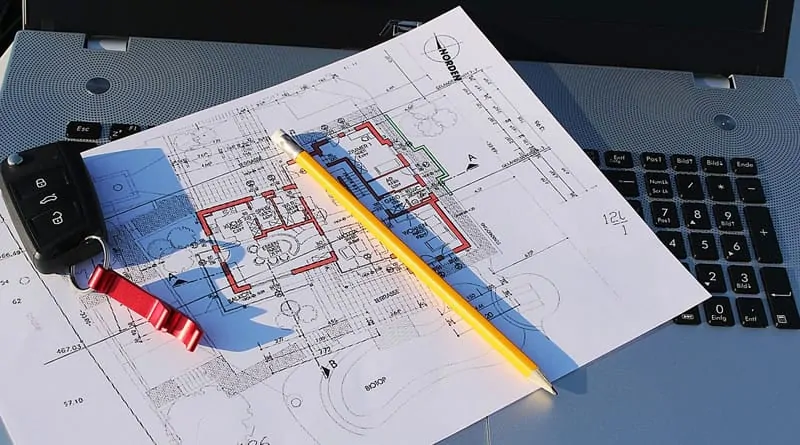
A solid ERP includes emergency contacts, floor plans and assembly points, evacuation and shelter-in-place procedures, communication templates, first-aid and equipment lists, role cards for key people, and a process for recovery and review. It’s a living document—kept current, tested through drills, and improved after real incidents or near-misses.
Why every home & business needs an ERP
- Clarity under pressure: simple steps reduce panic and hesitation.
- Faster, safer evacuation: pre-planned routes and wardens speed movement.
- Stronger communication: templates and call trees prevent confusion.
- Continuity: backups and critical processes keep you operating.
- Legal & reputational protection: shows due diligence and care.
- Confidence: drills build calm, capability, and trust.
Whether you manage a small shop, a large facility, or a family home, emergencies can arise without warning—fire, medical events, storms, cyber incidents, chemical spills, power outages, or security threats. A clear ERP turns “what now?” into “do this, then this,” protecting people and preserving livelihoods.
Australian Standards & best practice
In Australia, emergency planning draws on widely recognised standards and guidance. Two important documents:
AS 3745:2010 — Planning for emergencies in facilities
AS 3745 outlines how to structure emergency planning for workplaces, schools, healthcare, and other facilities. It covers the emergency control organisation (ECO), risk assessment, procedures, training, evacuation diagrams, communication, and ongoing review. Compliance isn’t mandated by law in every context, but it’s widely seen as best practice.
AS 4083 — Planning for emergencies in healthcare facilities
Healthcare environments present unique risks—patients, visitors, critical equipment, and continuity of care. AS 4083 adapts emergency planning to this setting, emphasising clinical coordination, surge, evacuation or relocation of vulnerable people, and liaison with emergency services and nearby facilities.
Australia’s approach also involves coordination across levels of government. Emergency Management Australia (EMA) provides national leadership, while state and territory agencies coordinate response locally within legislative frameworks like the Emergency Management Act and the Australian Disaster Resilience Framework.
How to build your ERP (step-by-step)
-
1) Form your Emergency Control Organisation (ECO)
Appoint a Chief Warden and wardens for each area or shift, plus backups. Define roles with simple “role cards” that list responsibilities and radio/phone channels. Keep the structure visible on noticeboards and intranet pages.
-
2) Assess risks & prioritise controls
Map realistic scenarios: fire, medical, severe weather, flood, hazardous substances, bomb threat, violent intruder, power/cyber outage. Rate likelihood and consequence, then reduce risks with control measures: housekeeping, segregation, signage, maintenance, training, and personal protective equipment.
-
3) Write simple emergency procedures
Use one-page flowcharts for each scenario: detect → raise alarm → respond → evacuate/shelter → account for people → handover to services → recover. Include maps, assembly points, and accessibility needs.
-
4) Build your communication plan
Create a call tree (or mass notification tool), message templates for SMS/email/PA systems, a media holding statement, and a contact sheet for emergency services, utility providers, landlords, and neighbours.
-
5) Stock equipment & update diagrams
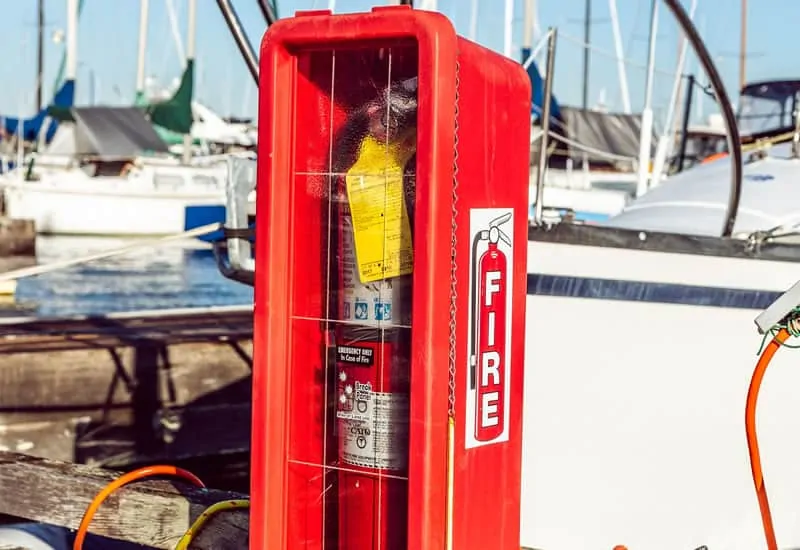
Check extinguishers, first-aid kits, defibrillators, spill kits, torches, radios, and grab-bags (contact lists, floor plans, hi-vis vests). Maintain evacuation diagrams at entry points and common areas; ensure arrows and legends are clear.
-
6) Train, drill, and debrief
Run scenario-based drills quarterly (at minimum annually). Rotate times and conditions (e.g., power out, stairwell blocked). After each drill, debrief: what worked, what failed, what to fix this week.
-
7) Plan for continuity & recovery
Identify critical processes, people, suppliers, and systems. Back up data, document manual workarounds, and pre-arrange alternative sites or remote work. Set thresholds for reopening and a recovery checklist.
-
8) Review & improve
Update the ERP after changes in layout, staffing, equipment, or lessons learned. Version the document, record changes, and re-train when procedures shift.
Printable ERP Checklist
Tick items as you go. Use the “Export” button to copy your progress.
Key scenarios to prepare for
Fire
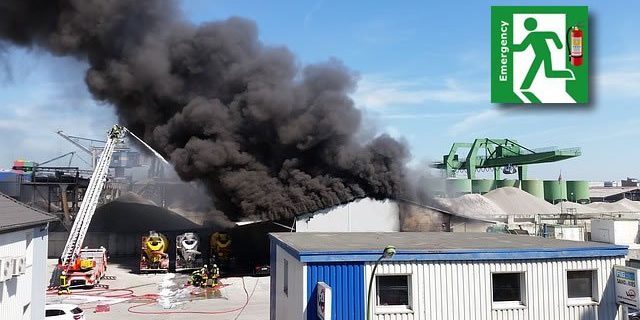
Common causes include electrical faults, cooking, hot works, and poor housekeeping. Train to raise the alarm fast, use the right extinguisher safely, shut down equipment, evacuate by signed routes, and account for people at assembly points.
Medical emergency
Ensure first-aiders are rostered and trained. Keep AEDs visible and inspected, maintain first-aid kits, and post emergency numbers. Practice calm, clear communication and post-incident reporting.
Natural hazards
Floods, storms, heatwaves, and bushfires require local risk awareness, early warnings, shelter or evacuation decisions, and continuity planning (power, comms, supply chain). Coordinate with neighbours and landlords.
Security threats
Consider procedures for aggressive behaviour, suspicious packages, and bomb threats. Use code words, safe rooms, lockdown or evacuation criteria, and swift liaison with police.
Utilities & cyber
Power loss, water/gas leaks, and cyber outages stop critical services. Document manual workarounds, offline contact lists, and backup power or alternative work locations.
Training, drills & continuous improvement
Training turns procedures into muscle memory. Blend short toolbox talks with scenario walk-throughs and full evacuations. Vary timing and conditions so the team can adapt. Track attendance and capture learnings in a simple debrief form: what went well, what was slow, and what must change this week.
“We don’t rise to the level of our expectations, we fall to the level of our training.”
After any drill or incident, update the ERP, diagrams, and role cards. Version the plan, notify staff of changes, and schedule the next exercise. Continuous improvement keeps the plan relevant as people, layouts, and risks evolve.
Frequently Asked Questions
Is compliance with AS 3745 mandatory?
Not universally, but it is widely recognised as best practice across industries. Following it shows due diligence, improves safety outcomes, and often aligns with insurer expectations and regulator guidance.
How often should we run drills?
At least annually; quarterly is better for busy sites or higher risks. Rotate scenarios (e.g., blocked exit, after-hours) to build adaptability.
Who needs an ERP?
Every facility and household benefits. The depth varies—small shops can keep a concise plan; large or complex sites need more detail, training, and layered procedures.
What’s the difference between ERP and business continuity?
ERP focuses on immediate life safety and incident response. Business continuity ensures critical services continue or resume quickly—backups, alternate sites, manual workarounds, supplier contingencies.
Glossary
- ECO (Emergency Control Organisation)
- People who manage an emergency on site—Chief Warden, wardens, and backups.
- Assembly Point
- Designated safe area where evacuees gather and are accounted for.
- Evacuation Diagram
- Map showing exits, equipment, and paths of egress.
- Debrief
- Structured review after a drill or incident to improve the plan.
- Continuity
- The ability to keep essential operations running during disruption.
FireRescue Training Hub
Access practical fire and emergency study support resources, downloads, checklists, audio guides, and member-only course content.
- Course library
- PDF downloads
- Audio guides
- Checklists
Study support only. Not accredited training or a replacement for workplace procedures.
About the author and safety review
Ken Walker
Former Station Officer and fire service educator
Former career firefighter with extensive career and volunteer fire service experience.
Qualifications: Associate Diploma of Applied Science in Fire Technology; Institute of Fire Engineers studies.
Author profilehttps://www.firerescue.com.au/about-us/